


LARK M2
Plug-and-play audio for solo vlogs and two-person interviews
- 24-bit / 48kHz
- 300m LOS Range
- 9g TX
 Canada
(English / $
CAD)
Canada
(English / $
CAD)


Video Solutions

Intercom Systems

Wireless Microphones

Cameras
Video Solutions
View all
Video Accessories
Intercom Accessories

Mic Accessories

Camera Accessories
Video Accessories
View all
Hollyland Monitor Calibrator-Wireless Video Transmission System Accessory

Monitor Hood (7-Inch)

Mars 4K Transmitter

Mars 4K Receiver

D-Tap to Locking DC Power Adapter Cable

Crab Clamp

NP-F970 Battery

NP-F550 Battery

Mini HDMI to HDMI Cable

Micro HDMI to HDMI Cable

SDI Cable (1000mm)

SDI Cable (500mm)

Cold Shoe Gimbal

Rotatable Cold Shoe Mount

Side & Bottom Mounted Aluminum Handle

Screw Fitting for Stabilizer

Cylindrical Antenna (2.4GHz & 5GHz)

Paddle Antenna (2.4GHz & 5GHz)

View all


Canada / English
USB-C plug-and-play compatible · Works with Android smartphones · No extra adapter needed
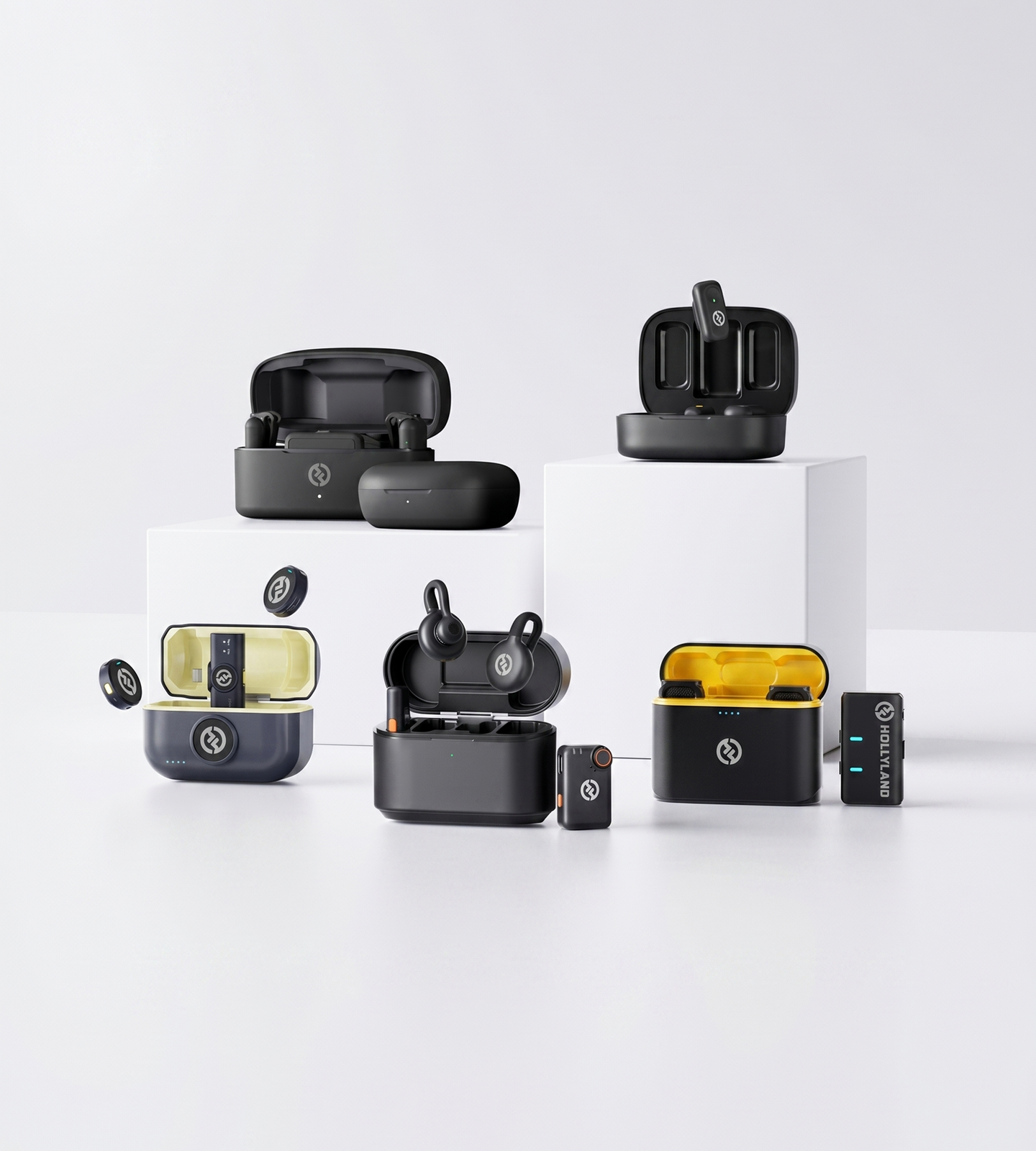
Plug-and-play audio for solo vlogs and two-person interviews

Ultra-light, logo-free design for creators who stay on camera

Smart noise control and audio shaping for demanding Android creators
| Model |
 LARK M2
$106.00
LARK M2
$106.00
|
 LARK M2S
$125.00
LARK M2S
$125.00
|
 LARK A1
$50.30
LARK A1
$50.30
|
|---|---|---|---|
| Best For | Versatile creators & dual-TX interview setups | Design-conscious on-camera creators | Audio-focused creators who want full sound control |
| Android Plug & Play | Yes | Yes | Yes |
| Recording Quality | 48kHz / 24-bit WAV | 48kHz / 24-bit | 48kHz / 24-bit |
| Noise Cancellation | ENC Environmental Noise Cancellation | ENC Environmental Noise Cancellation | 3-Level Intelligent Noise Cancellation |
| Audio Customization | App control (Mobile Version) | App control | EQ, Reverb & 6-Level Gain Adjustment |
| TX Weight | 9g | 7g | 8g |
| Wireless Range (LOS) | 300m / 1000ft | 300m / 1000ft | 200m / 650ft |
| Total Battery Life | Up to 40 hrs | Up to 30 hrs | Up to 54 hrs |
| Design Highlight | Button-size mini design | Titanium no-logo invisible fit | Magnetic compact design |
| Shop | Shop | Shop |
This is the most important question to answer before anything else: how does the receiver connect to your Android phone?
Android devices use two main connection standards:
If frictionless compatibility matters to you — and for most creators, it does — prioritize a microphone with a dedicated USB-C mobile receiver designed specifically for smartphones.
The gap between a 10-second setup and a 10-minute one is significant when you're trying to capture a moment in the field.
What to look for: A microphone that works fully out of the box with your Android phone, with optional app control available when you want it — not required before you can start recording.
For content creation on Android, 24-bit / 48kHz recording is the standard to look for. It captures significantly more dynamic range and detail than your phone's built-in microphone and holds up well in post-production editing.
Other specs worth understanding:
Tip: ENC is especially valuable for outdoor shooting, street interviews, and any environment where you can't control the acoustic space.
The transmitter is the component your subject wears or clips to their clothing. Its size and weight directly affect how natural your talent looks on camera.
Key considerations:
For solo vloggers filming themselves, transmitter discreteness is less critical. For interviews, multi-person shoots, or brand-facing content, it matters considerably more.
Spec sheets list per-charge battery life, but what creators actually need to think about is total available battery including the charging case.
A transmitter that lasts 9–10 hours per charge sounds adequate — until you're on a full-day shoot without access to power. The charging case functions as a portable power bank for your microphone, and total system capacity (TX + case combined) is the more practical number to evaluate.
Real-world note: Total battery figures assume standard usage conditions. Continuous high-gain recording or frequent case cycling will affect actual results.
You'll typically see two range figures listed for wireless microphones:
For most mobile creators — vloggers, interviewers, event shooters — NLOS range of 40–60m is more than sufficient. If your workflow involves the transmitter and receiver being in the same room or within a few meters, NLOS performance is rarely a bottleneck.
If you're covering larger venues or need consistent signal across a wide open space, prioritize products with stronger LOS range ratings as a proxy for overall RF robustness.
Not every Android creator needs the same level of audio control.
For beginners and run-and-gun creators, auto-gain management and built-in ENC are usually enough. The goal is clean audio without having to think about it.
For creators who want more hands-on control — educators fine-tuning voice tone, streamers dialing in their sound, or anyone recording in varied environments — features like multi-level gain adjustment, EQ, reverb, and auto-limit clip protection provide meaningful flexibility. These tools allow you to shape your audio before it reaches the recording app, reducing the need for post-production correction.
The Lark A1, for example, is built specifically around this idea: it pairs smartphone plug-and-play simplicity with 6-level gain control, 3-level noise cancellation, and EQ/reverb adjustment — making it well-suited to creators who want more control without moving to a dedicated camera rig.
Once you've worked through the factors above, your use case usually points clearly to a direction:
You want the lightest, most discreet transmitter available Look for a transmitter under 8g with a no-logo design — ideal for interview setups and polished on-camera content where the mic should be invisible. The Lark M2S is purpose-built for this.
You want maximum versatility across Android, iOS, and camera setups A combo version with a universal receiver ecosystem lets you move between devices without buying a second system. Both the Lark M2 Combo and Lark M2S Combo are designed for this flexibility.
You want the most audio control at an accessible price point If customizing your sound — noise cancellation level, gain, EQ — matters more than minimalist design, the Lark A1 offers the deepest feature set for smartphone-first creators, along with the longest total battery life in the range.
You want a reliable, compact everyday mic without overthinking it Any mobile-version microphone with plug-and-play USB-C connectivity and built-in ENC will deliver a clean, immediate upgrade over your phone's built-in mic — with zero learning curve.
I love my new LARK M2 mics. These were so good, and I really enjoyed testing out the new LARK M2 from Hollyland.
The Hollyland LARK MAX is the wireless microphone system with the clearest and crispest audio of any wireless mic system I have ever tried.
LARK MAX is doing an excellent job of dropping the sound of the air conditioner, which is something l always have to remove and post with our shotgun mic.
 Technical Support:
support.us@hollyland.com
Technical Support:
support.us@hollyland.com
Order Support:
store.us@hollyland.com
Technical Support:
support.us@hollyland.com
Order Support:
store.us@hollyland.com